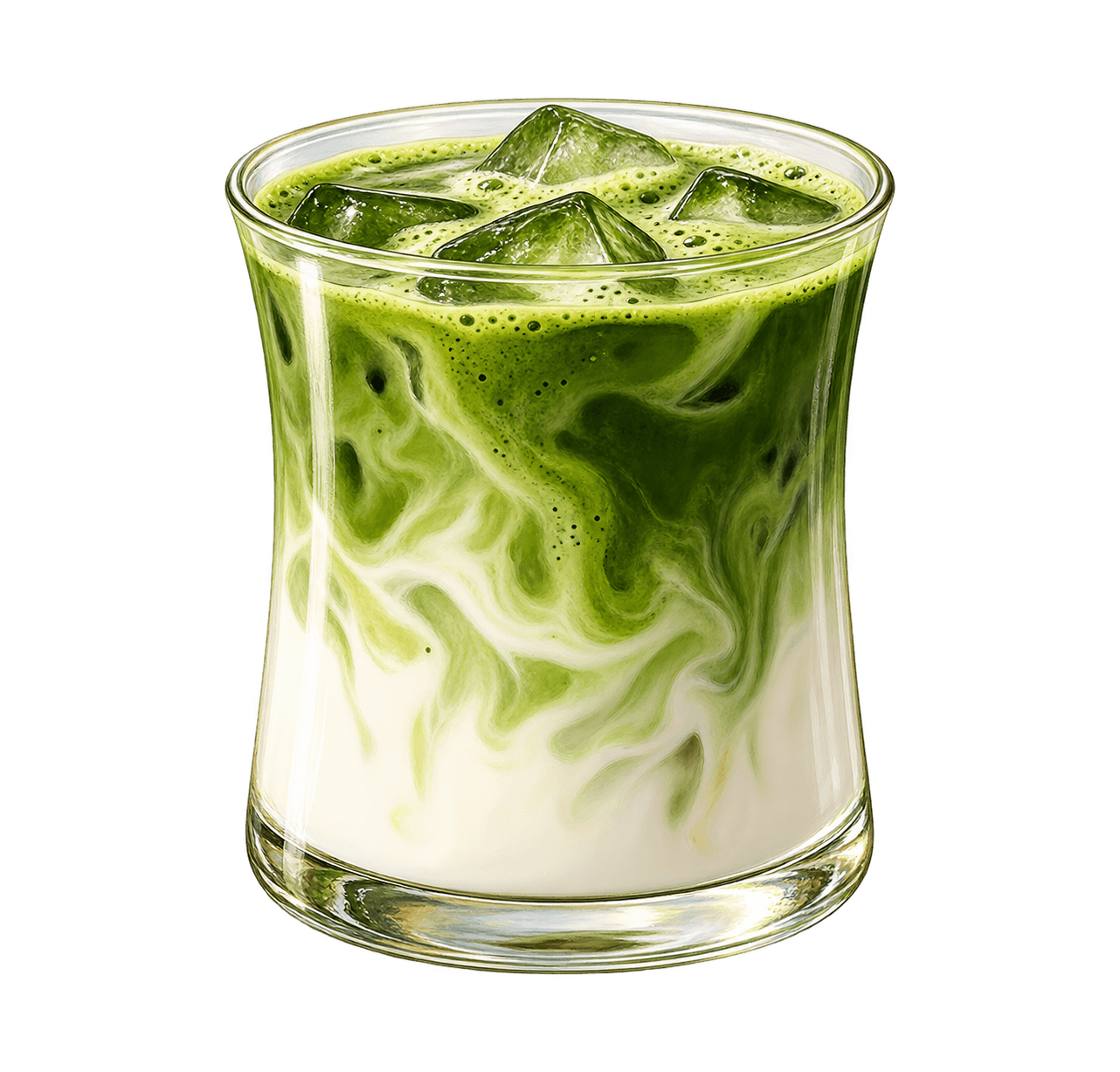
REWARD CARDS FOR CAFES, BAKERIES & RESTAURANTSSTEMPEE / 2026

EARLY ACCESS

Get your customers
to come back.

For cafes, bakeries and restaurants.

Give every customer a reward card on their phone. They scan one QR. No app to download.

Early access: Design your card and share your QR today. Wallet cards, payments and nearby reminders are coming soon.

CHOOSE A CARD TO SEE IT UP CLOSE06 — 06
THE DAILY BAKECrust & Crumb
C

Illustrated pair of golden croissants
THE GOOD PARTA pastry on us5 / 8 visits
SEE HOW IT WORKS

Start in
3 easy steps.

Make a card for your shop. Share one QR. Customers see the reward on their phone.

01 / MAKE YOUR CARDMake your
reward card.

Add your logo, colour and reward.

02 / SHARE YOUR QR✳Put your QR
on the counter.

Customers scan it to see your card. Joining works on published cards.

03 / ADD A STAMPAdd a stamp
each visit.

Staff record visits on published cards. A full card earns a reward.

Create your card

Start with
four easy steps.

Make a card. Share its QR. Customers join. Staff add stamps.

01/ 04

Make your card.

Add your logo, colour and reward. No app is needed.

Create your card

Their reward card.
In their phone wallet.

Customers will save your card in Apple Wallet or Google Wallet. It will show their progress, next to their bank cards.

Apple Wallet Google WalletComing soon
01 / SCANJoin from your shop QR.02 / SAVESave to Apple/Google Wallet.03 / RETURNShow the card. Earn a reward.

Remind customers
when they are close.

When a customer with your card walks near your shop, their phone can show the card on the lock screen.

  1. Set your shop location.Choose where customers use the card.
  2. Show their progress.Show stamps, points and the next reward.
  3. Their phone decides.It chooses if and when the card shows.
There is no set distance or time.
YOUR SHOP
MANGO & BEAN
CUSTOMER WITH CARD
THE PHONE CAN SHOW A NEARBY CARD
9:41● ▰▰ ▰
TUESDAY, JUNE 99:41
sMANGO & BEANsample
Your shop card is nearby.

5 of 8 stamps toward a free coffee.

◉◎

Where customers
see your message.

Email goes to an inbox. SMS goes to messages. A saved Wallet card can show a reward on the phone.

Swipe to see Wallet →

 EmailSMSWallet · Coming soon
Where it showsAn inboxMessagesApple or Google Wallet
CostNeeds an email toolPay per textComing soon
What the customer needsAn email addressA mobile numberA saved card · Coming soon
When they pass your shopNo nearby reminderNo nearby reminderPhone may show card · Coming soon

Their phone decides if and when the card shows.

Make it look
like your shop.

Add your logo. Pick your colour. Write your reward. See the card before you share it.
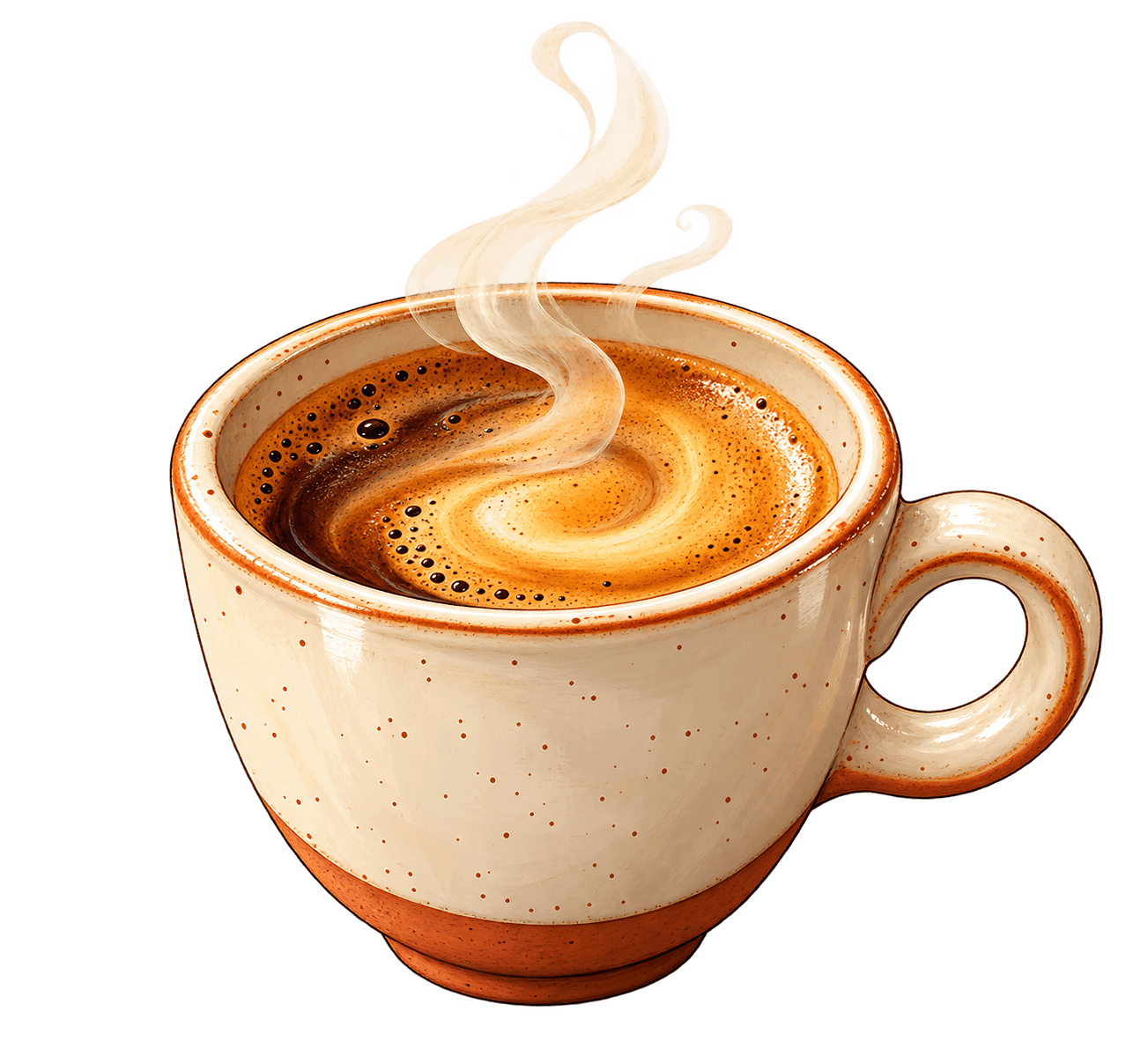
Add your logo Pick a colour and reward See the card before you share
Create your card
YOUR CARD / SAMPLE
THE COFFEE SHOPMango & Bean
M
Illustrated cup of coffee
THE GOOD PARTA coffee on us5 / 8 visits
YOUR
SHOP
CARD ↗
ONE SHOP
AT A TIME ↗

Simple pricing.
Pay per shop.

Start with one shop. Add more for a set monthly price in your currency.

SAVE WITH YEARLY BILLING
YEARLY PLANUSD · 1 SHOP
01 / 03

Starter.

For a shop just starting.

$15per month
for 1 shop

$180 billed once a year · base plan includes 1 shop

1 shop
Add a shop: +$10/month each
  • Your own QR code
  • A stamp or points card
  • Your logo, colours and reward
  • Member list and visit count
Create your card
02 / 03MOST POPULAR

Growth.

For shops with regular customers.

$33per month
for 1 shop

$396 billed once a year · base plan includes 1 shop

1 shop
Add a shop: +$10/month each
  • Everything in Starter
  • Seven card designs to try
  • Campaign planning · Coming soon
  • See how often customers return
Create your card
03 / 03

Scale.

For owners with many shops.

$73per month
for 1 shop

$876 billed once a year · base plan includes 1 shop

1 shop
Add a shop: +$10/month each
  • Everything in Growth
  • One card and QR for each shop
  • Manage all shops in one place
  • Connect other tools · Coming soon
Create your card

Launch prices. Payments are not live yet. Each currency has its own price.

Good to
know.

Short answers about cards, QR codes and what comes next.

Create your card
01What does Stempee do?

It helps you make a reward card for your shop. Customers scan your QR to see it. On published cards, each visit brings them closer to a reward.

02Do customers need an app?

No. They scan the QR with their phone camera. A published card asks them to confirm their email before joining.

03Which cards can I make?

You can design stamps, points, visits and levels. Money loaded on the card and cashback credit are coming soon.

04Does each shop get its own QR?

Yes. Each card has its own QR. A new card shares a sample; a published card lets customers join.

05Can I remind customers when they are nearby?

Coming soon. Their phone decides if and when your card shows.

06Can I send offers to my regulars?

Coming soon. You can write a draft today, but Stempee does not send it yet.

07Can I take payments today?

Not yet. Cards that hold money are coming soon.

08Is pricing live?

Not yet. These are launch prices. Checkout is coming soon.

Your next regular
is one scan away.

Make a card for your shop. Share its QR so customers can see it on their phone.

Create your card